 Ripple
Reaching for your phone while you practice
Music, drawing, handwriting and languages all need a stretch of time without breaks. The phone sits on the music stand, the metronome and lessons are on it, and a few minutes in you are watching short videos. Adults learning something after work run into this, and so do kids with a daily half hour of piano. The first part below is for adults practicing their own hobby, the second is for parents with a child who practices, and both Android and iPhone are covered.
Quick focus and the wait before opening (Android, Chinese interface)
Adults: guitar, drawing or vocabulary after work
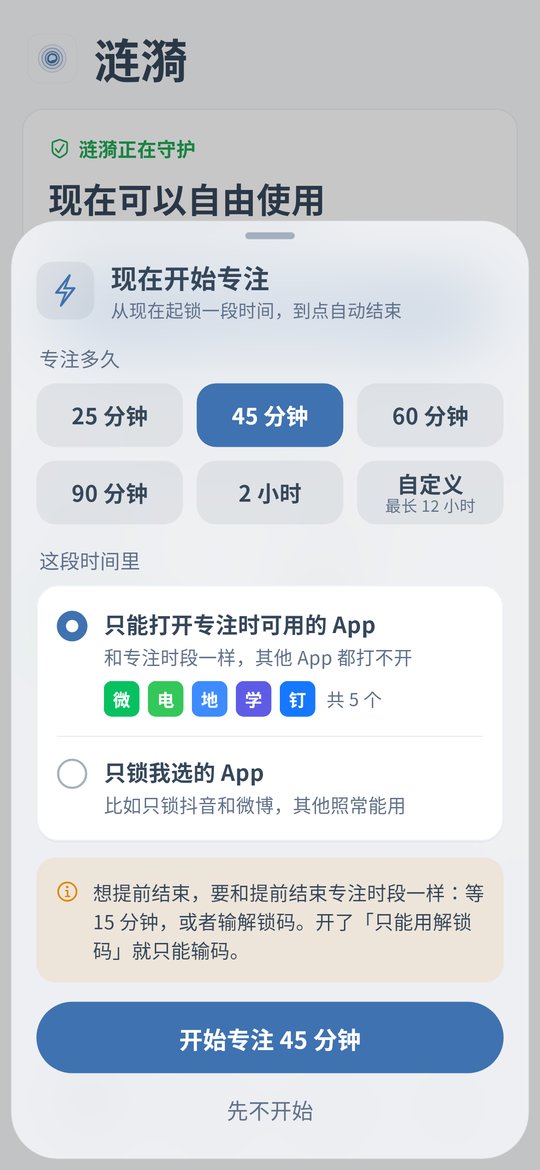
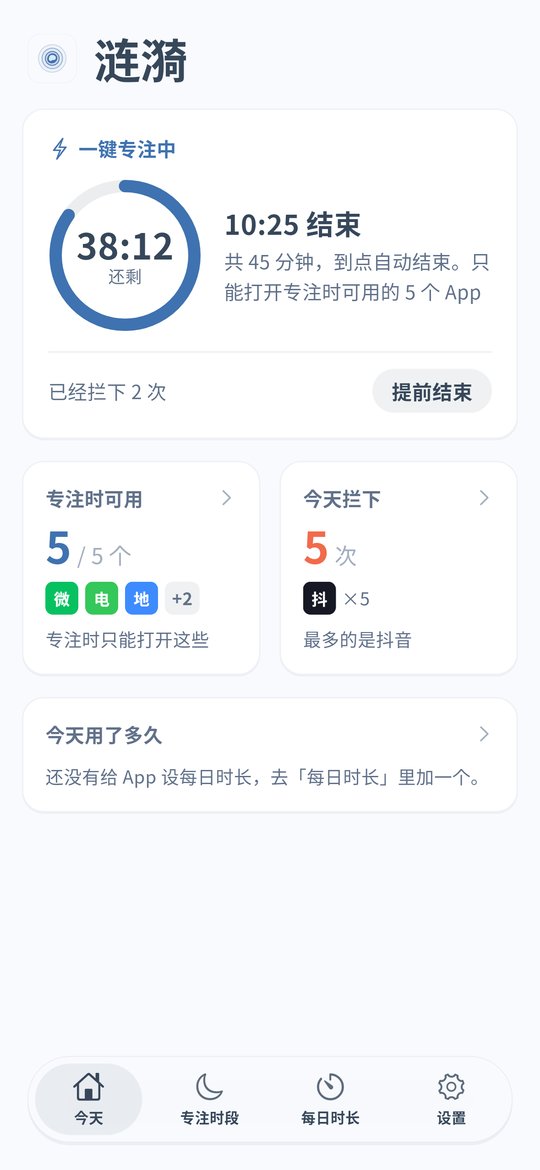
Start a quick focus before you practice
On Android tap Quick focus, pick how long, say 45 minutes, and choose to lock only the apps you pick. Tick TikTok, Instagram and games. Your metronome, tuner, lesson videos and vocabulary app keep working.
Stopping early takes a wait
Ending a focus early needs a wait, 15 minutes by default, or the unlock code. Focus time counts from when the phone started, so changing the clock does not end it sooner.
Make weekly practice a schedule
If you practice Tuesday and Thursday at 8 pm, add a schedule that locks short video and game apps at that time. iPhone v0.1.5 can block apps by schedule too.
Keep the scrolling short afterwards
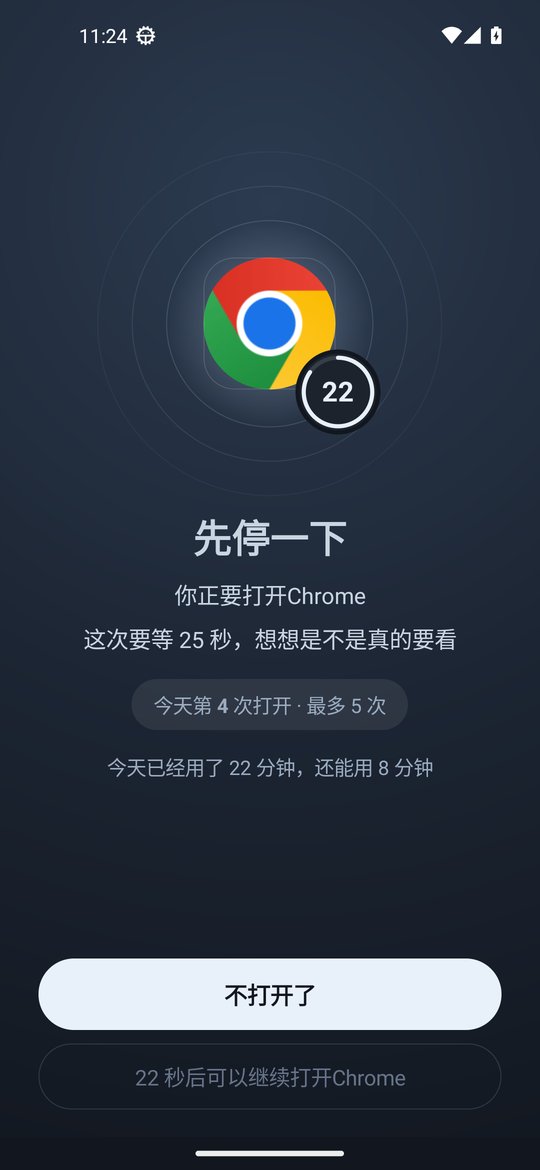
On Android you can give short video apps a daily limit from 1 minute to 12 hours, or a number of opens per day with a short wait before opening.
Parents: piano, calligraphy or homework for a class
Keep only the practice apps open
If your child plays backing tracks, a metronome or the teacher's videos on the phone, start a quick focus with the default focus allowed list and add those apps. Everything else is locked. Calls still come through.
Make daily practice a schedule
For example 7 to 7:30 pm after dinner. Add a practice schedule on Android or iPhone with games and short video apps in it, and it closes them on time without a reminder from you.
Some game time after practice
Give a game 40 minutes a day so your child can see what is left. Before a music exam you can set the game to 0 minutes so it stays closed all day.
Your child cannot undo it
On Android turn on Anti-Uninstall, so removing Ripple needs a countdown or the parent's unlock code. With strict mode on, only the code can loosen rules, and changing the clock does nothing. On iPhone turn on the block on deleting apps.
Setup steps
Install or update
On Android download the latest APK and turn on the accessibility service when asked, or update in Settings › About › Check for updates. On iPhone install v0.1.5, which needs iOS 16 or later.
Android: quick focus before practice
For yourself choose to lock only the apps you pick. For a child use the default focus allowed list and keep the metronome, backing track and lesson apps.
Android and iPhone: a fixed practice schedule
Put distracting apps in a schedule that matches practice time.
Protect the child's phone
On Android turn on Anti-Uninstall, and strict mode if needed, with the parent holding the code. On iPhone turn on the block on deleting apps and an unlock code.
FAQ
How do I stop scrolling while I practice when I need the metronome on my phone?
In Ripple for Android tap Quick focus, pick a length and choose to lock only the apps you pick, then tick only short video and game apps. The metronome, tuner and lesson apps keep working. Ending early needs a wait, 15 minutes by default, or the unlock code.
My kid plays backing tracks on the phone and keeps switching to games. What can I do?
Start a quick focus with the default focus allowed list and add the backing track and metronome apps. Other apps are locked, and split screen, floating windows and picture in picture are blocked too. If practice is at the same time every day, add a schedule on Android or iPhone.
Does quick focus work on iPhone?
Not yet. iPhone v0.1.5 has schedules, the block on deleting apps, clock change protection and an unlock code. Quick focus, daily limits and strict mode are Android only.
Are calls blocked during focus?
No, calls still come through.
Does it cost money or need an account?
It is free with no ads and no account, and settings stay on the phone.